
Finally, an HOA Calendar That Just Works.
Managing a thriving community schedule shouldn’t require advanced computer skills or hours of tedious layout work. A great neighborhood calendar should make it effortless to move an unexpected board meeting, coordinate multi-day pool events, and ensure that every single resident can read the timeline perfectly—whether they are sitting at a desktop computer or scrolling on their smartphone.
The HOAplugin Calendar was built from scratch by an HOA volunteer who understands how neighborhood schedules actually operate. It gives you a beautiful, professional website calendar without needing a lot of computer skills.
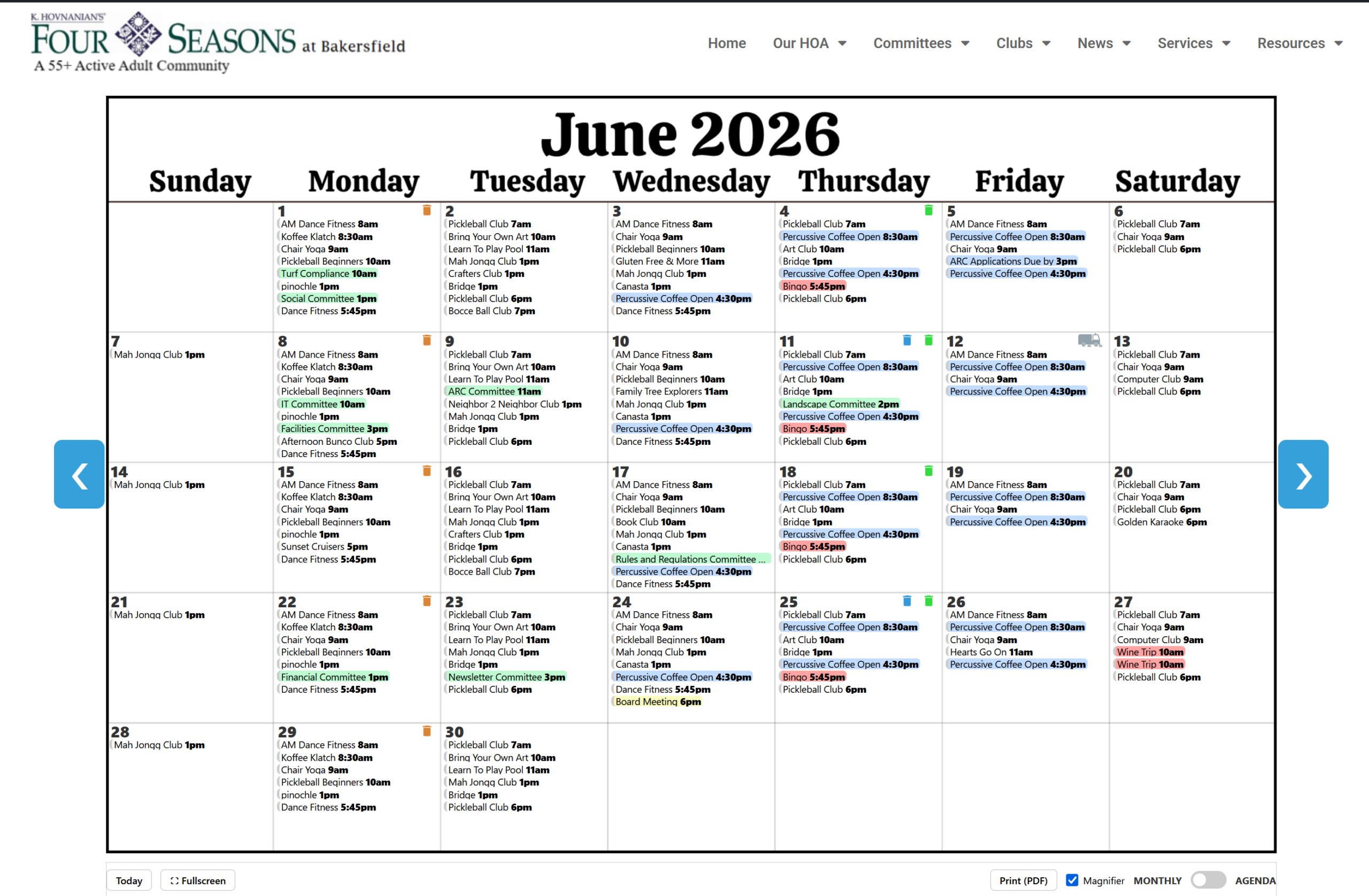
A clean, viewport-perfect monthly grid that fits your desktop screen beautifully.
Why You’ll Love It (Free & Pro Features):
- True “Point-and-Click” Editing: You don’t need to know how to code. If you can type a title and pick a color, managing the calendar is as simple as filling out a basic form.
- Keep the Whole Year Organized: This is a live, interactive calendar. Residents can easily click back and forth through the months to see what’s coming up down the road. This allows your Social Committee to lock in dates for major community events early in the year, so people can plan around them. You can put the dates on the map now, and simply log back in to add the specific details and flyer graphics as the events get closer!
- “Add to My Calendar” Phone Sync: Help residents remember your events! With a single click on any event, residents can instantly sync the date, time, and location directly into their personal phone calendar (like Apple Calendar, Google Calendar, or Outlook). No more “I forgot that was tonight” excuses!
- Built-In Magnifier for Easy Reading: If a specific day gets crowded with multiple meetings or events, don’t worry about squinting. Simply hover your mouse over the day square, and it gently magnifies and expands right before your eyes so you can read every single detail effortlessly.
- Protect Resident Privacy: Not everything should be visible to the public internet. You can easily check a box to mark private committee sessions, financial reviews, or neighborhood meetings as “Resident-Only.” These events will stay hidden from casual web browsers and only show up when a verified resident logs into your website.
- Handles Annoying HOA Schedules with Ease: This calendar easily schedules complex repeating events, such as:
- The last Wednesday of the month for Board Meetings.
- The 2nd and 4th Saturdays for community clubs.
- Monday, Wednesday, and Friday of every week for pool aerobics.
- The 5th of every month for assessments.
- Handy Community Reminders (Like Trash Day!): You can set up small, visual icons that display right in the corner of the calendar day squares. Put a little brown trash can icon on the calendar every Monday so residents always know exactly when to put out the garbage, and a blue can every other Thursday for recycling. There is even a built-in street sweeper icon!
- Never Squint on a Phone Again: The calendar automatically detects how big the screen is. On a computer, it shows a traditional, full-page calendar grid. On a phone, it instantly flips into a neat, vertical agenda list that residents can scroll through effortlessly.
- Add Your Community Flyers: Got a PDF or an image flyer for the upcoming Summer BBQ? You can link it directly to the event. When residents click the event in the calendar, your flyer pops right up.
- Safe to Share the Workload: You don’t have to manage it all alone. You can safely give the Social Committee head permission to edit only the social events, without giving them access to the rest of your website settings.
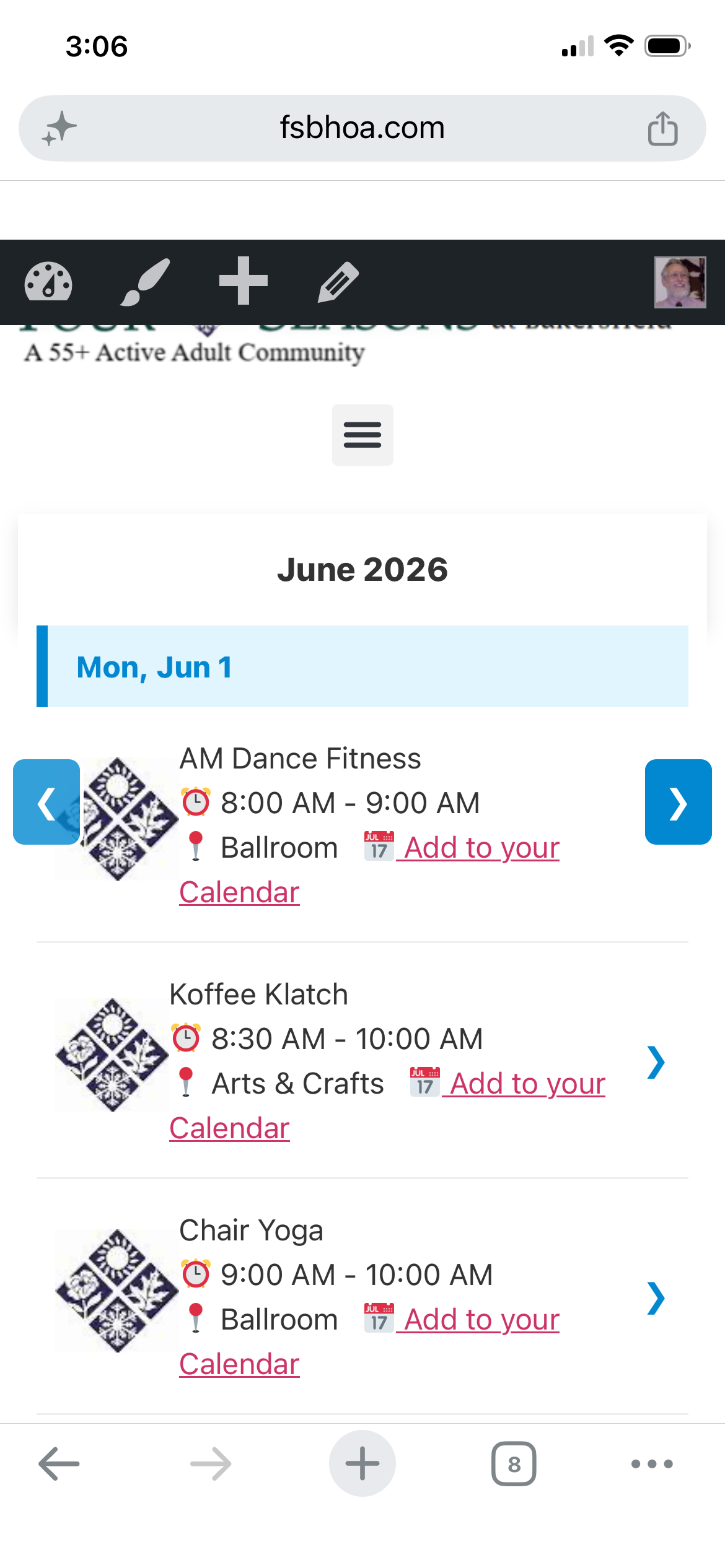
Mobile Agenda View: Automatically reformats into an easy-to-read list on smartphones.
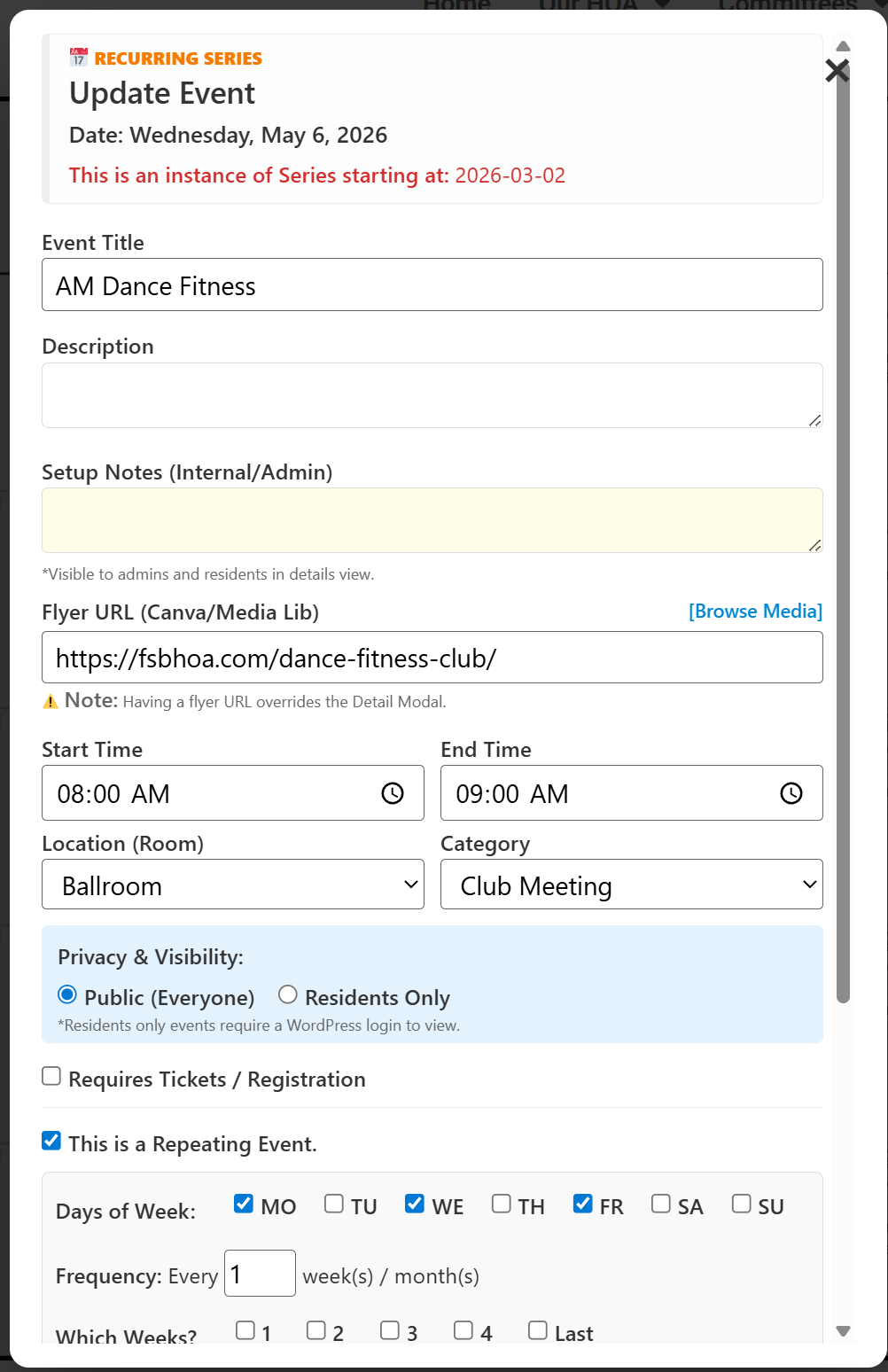
Simple Event Editor: Straightforward menus designed for everyday volunteers.
Custom Themes: Bring Your Calendar to Life with Canva!
Want your calendar to match the season? You can completely customize the look of each month’s page using beautiful graphics designed in Canva.
- Design a spooky theme for October, a festive look for December, or a bright summer frame for July.
- Simply export the entire background graphics project and import it into the calendar app, and the calendar automatically handles the rest. It overlays all of your community events perfectly on top of your custom artwork, giving you a gorgeous, themed calendar with zero layout work.
Choose the Right Version for Your Community
Free Version
Great for basic, self-managed communities who just need a standard digital layout.
- Standard Monthly Grid & Mobile Agenda views
- Full-Year forward/backward month scrolling
- “Add to My Calendar” phone syncing
- Built-in mouseover Day Magnifier
- Resident-Only event privacy toggles
- Basic recurring events setup
- Canva monthly background imports
- Flyer attachments & community icons
Price: Free Download
Download Free VersionPro Version RECOMMENDED
Designed for busy volunteers looking for a true, effortless “What-You-See-Is-What-You-Get” experience.
- Drag-and-Drop Rescheduling: Move an event simply by dragging it across the screen.
- Drag-to-Cancel: Instantly cancel an instance or a whole series via the header drop zone.
- Print-Ready for Newsletters: Instantly snap to a pristine, landscape 11×17 layout ready for your centerfold.
- Listings Lifetime Updates: Always stay fully compatible with future WordPress changes.
- Premium Support: Direct developer help whenever you need setup assistance.
- Multi-Site Compatible: Manage multiple separate domains with your re-assignable activation slots.